Turn Any Photo or Text Into
Cinematic Hollywood Images
With FREE AI Tools
No API Key or technical knowledge required - Just point, click and create
Grab Cinematic Image AI Toolkit with PLR
Create unlimited images for yourself, your clients, or sell the whole toolkit to others
Stop Wasting Hours
Writing Prompts From Scratch
Here's the problem with most AI image tools: the tool is powerful, but getting cinematic results means knowing exactly what to tell it.
Lighting direction. Color grade. Film format. Lens type. Mood. Grain. Atmosphere.
Miss one element and the image looks flat, generic, and forgettable.
That's where most people get stuck, and where this toolkit saves you hours...
Introducing Cinematic Image AI Toolkit
The Cinematic Image AI Toolkit gives you every preset, setting, and prompt element you need to generate stunning, movie-quality images instantly... using free AI tools you can start using today.
Every cinematic element has been researched, tested, and pre-built into done-for-you presets. Just pick your style and generate.
Want the cold symmetry of a Kubrick film? The neon-soaked atmosphere of Blade Runner 2049? The golden magic-hour warmth of a Terrence Malick scene?
One click sets your lighting, color grade, film format, mood, and genre reference... automatically. No guesswork. No endless tweaking. No staring at a blank prompt box wondering where to start.
You don't need any technical skills
or cinematography knowledge
Whether you're creating content for social media, visualizing a story, building a brand, or looking for a digital product you can sell as your own... this toolkit hands you a Hollywood-level creative studio in a box.
You don't need any Photoshop or Canva skills
You don't need any design skills at all
You don't need any tech skills
You don't need any prompting skills
You don't need a paid AI subscription (works with free models)
The AI handles ALL the creative work.
Here is how it works...
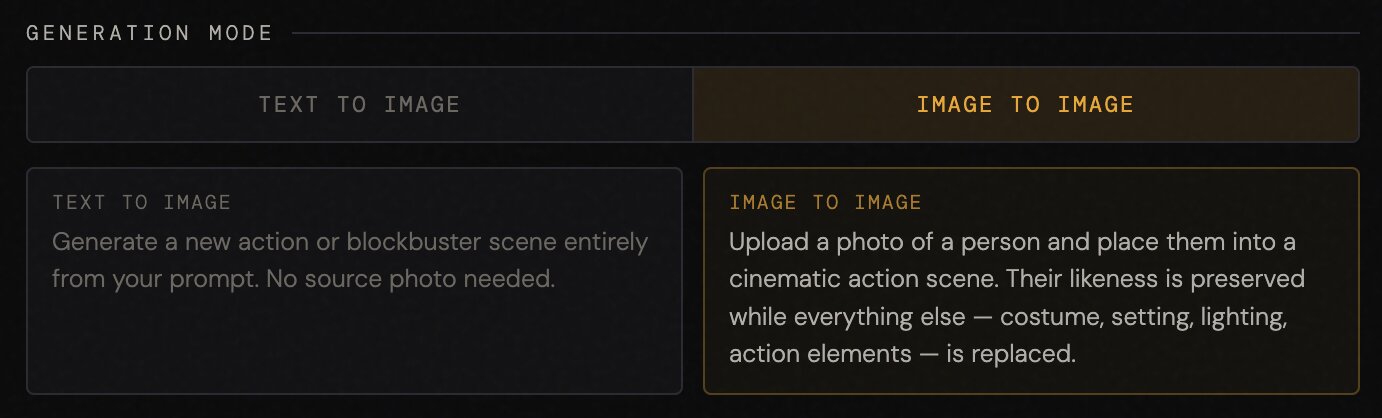
Step 1: Choose generation mode
With this prompt generator you can choose to create a new image from scratch using text-to-image. Or you can apply the cinematic effect to an existing image of yourself or anyone else using image-to-image.
Step 2: Describe your scene
Write what you want to appear in the scene in plain sentences. For example you can write something simple like: "Man in his 40's". Or you can write a more detailed description of a scene.

Step 3: Choose from 40+ cinematic presets in 3 categories
1. Director styles (Kubrick, Villeneuve, Fincher, Ridley Scott, Nolan, Spielberg, Kurosawa & more)
2. Movie genres (Crime Drama, Epic Fantasy, Cyberpunk, Adventure, Psychological Thriller & more)
3. Iconic films (The Godfather, Mad Max: Fury Road, Apocalypse Now, Drive, Interstellar & more).
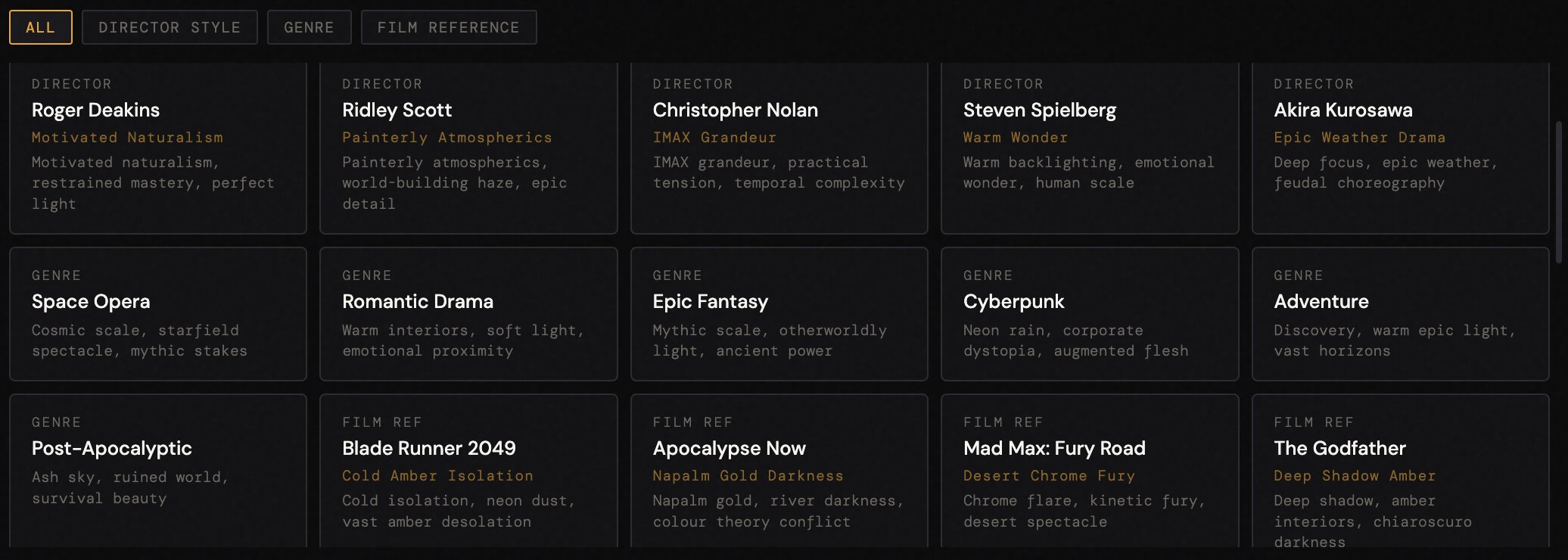
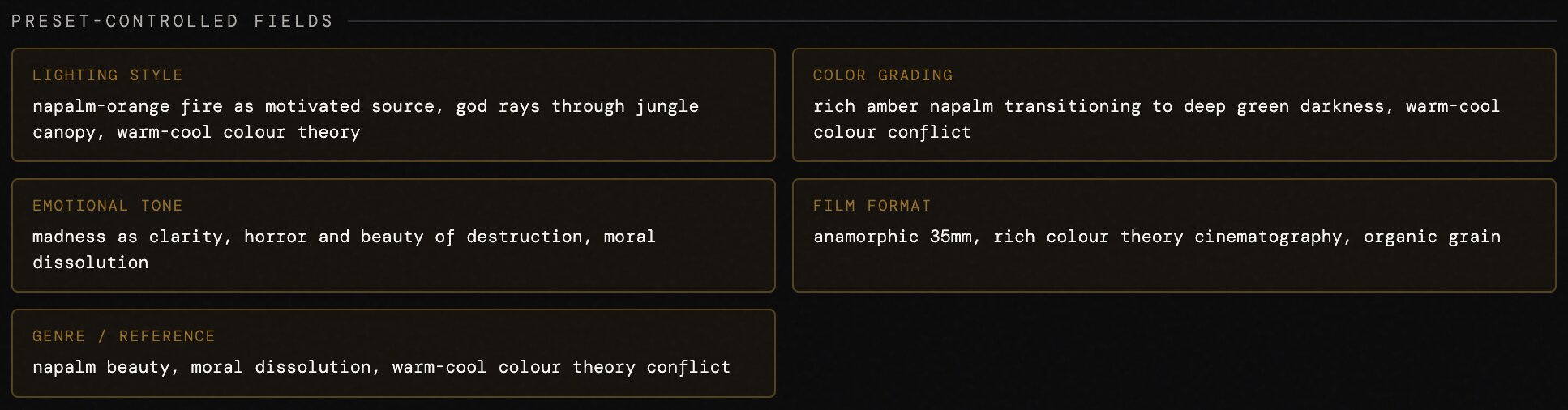
Each preset locks in the exact combination of cinematic elements that define that look:
Lighting Style, Color Grading, Emotional Tone, Film Format, and Genre / Reference.
Step 4: (Optional) customize settings
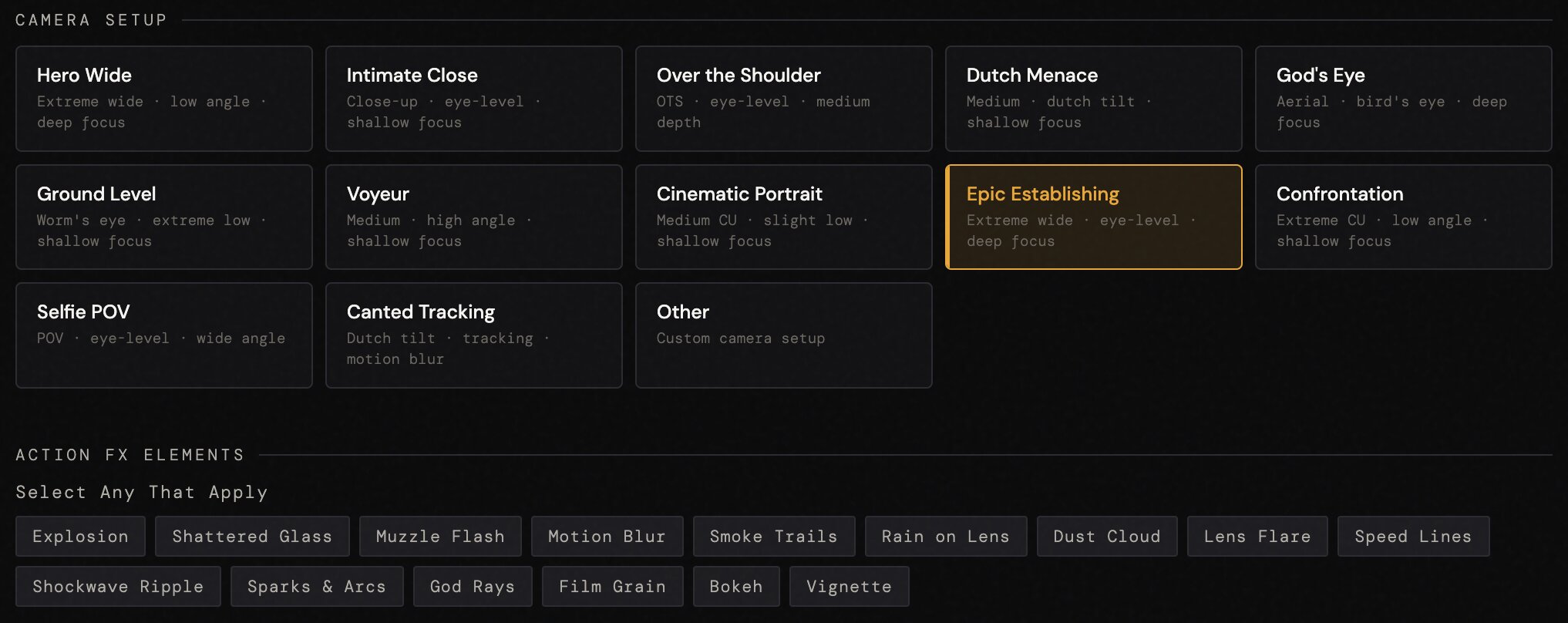
On top of the cinematic presets you can also customize other settings like: Action / Pose, Setting / Environment, Weather / Atmosphere, Time of Day, Camera Setup, Cinematic Elements, and more. These are optional settings and you can add as many or as little as you want.
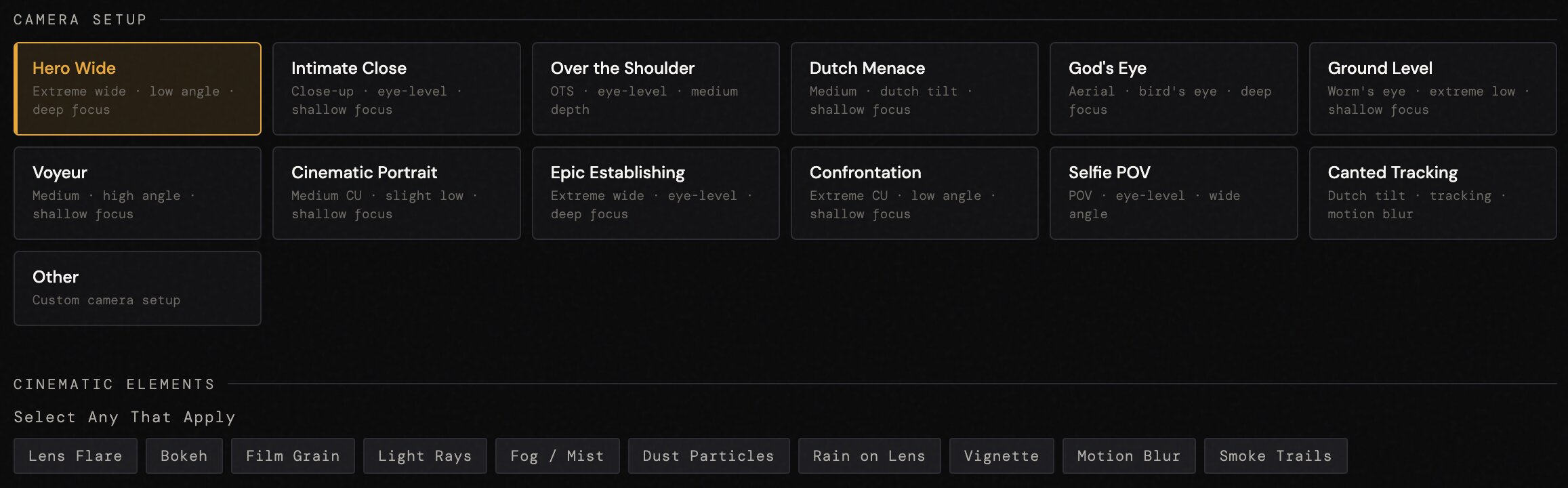
Step 5: Copy and paste prompt + upload your image
The prompt generator will output a detailed custom prompt based on the settings you choose. You can choose from either a JSON master prompt or plain text master prompt. You then copy and paste this prompt into any AI image tool like Nano Banana 2, ChatGPT Image 2, Midjourney, etc..
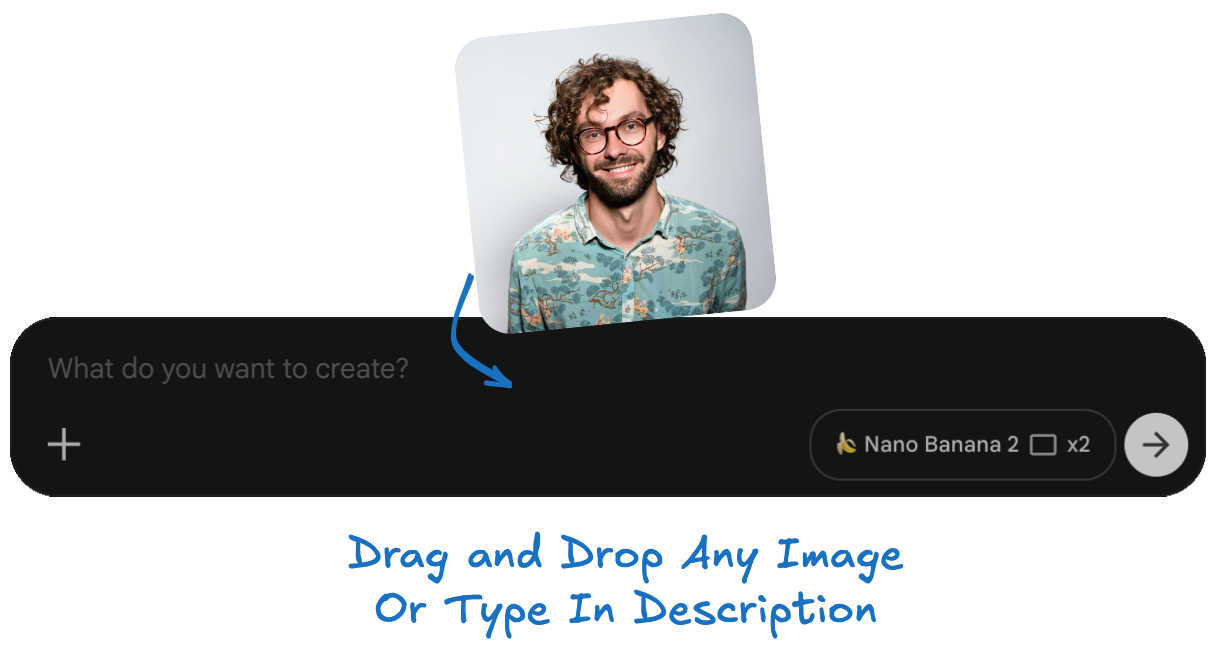
If you choose the image-to-image option, you can also upload a photo of yourself or anyone else to use as a reference image. And create cinematic scenes where the character looks exactly like the person in your photo.
Check out these results...
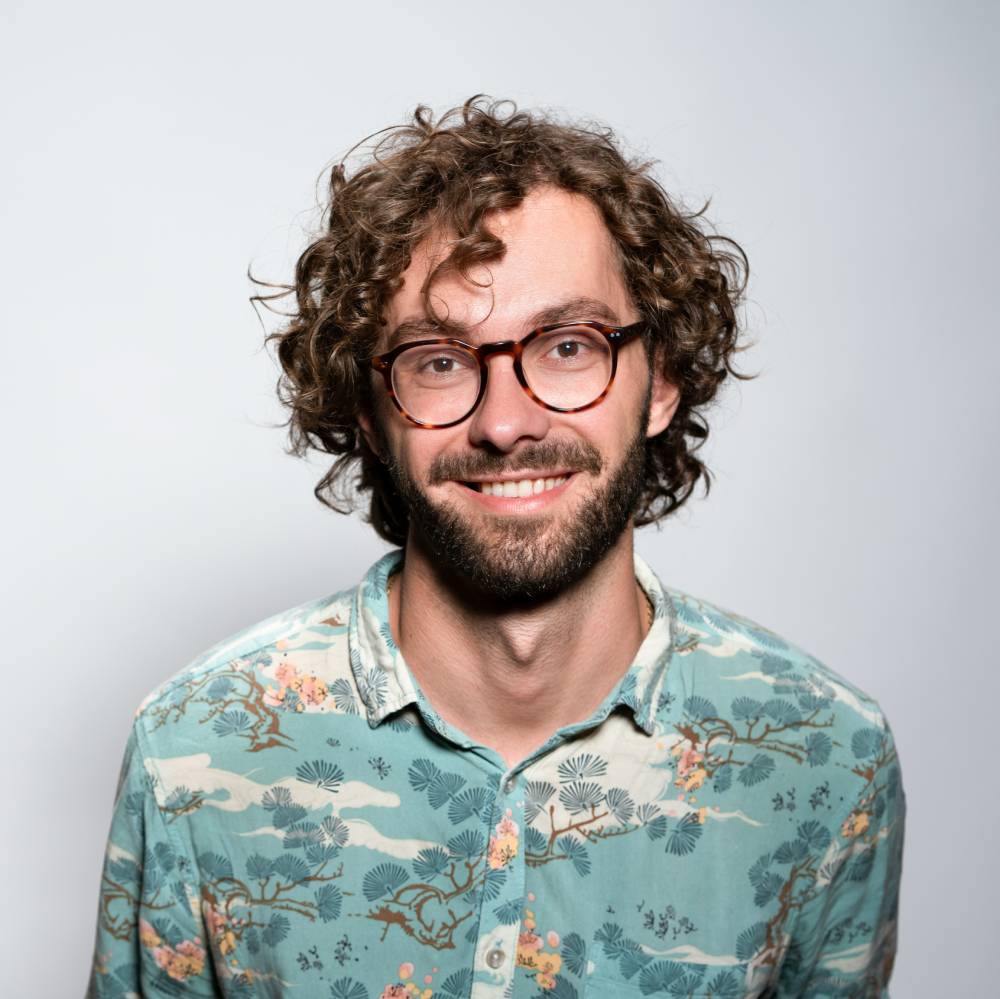
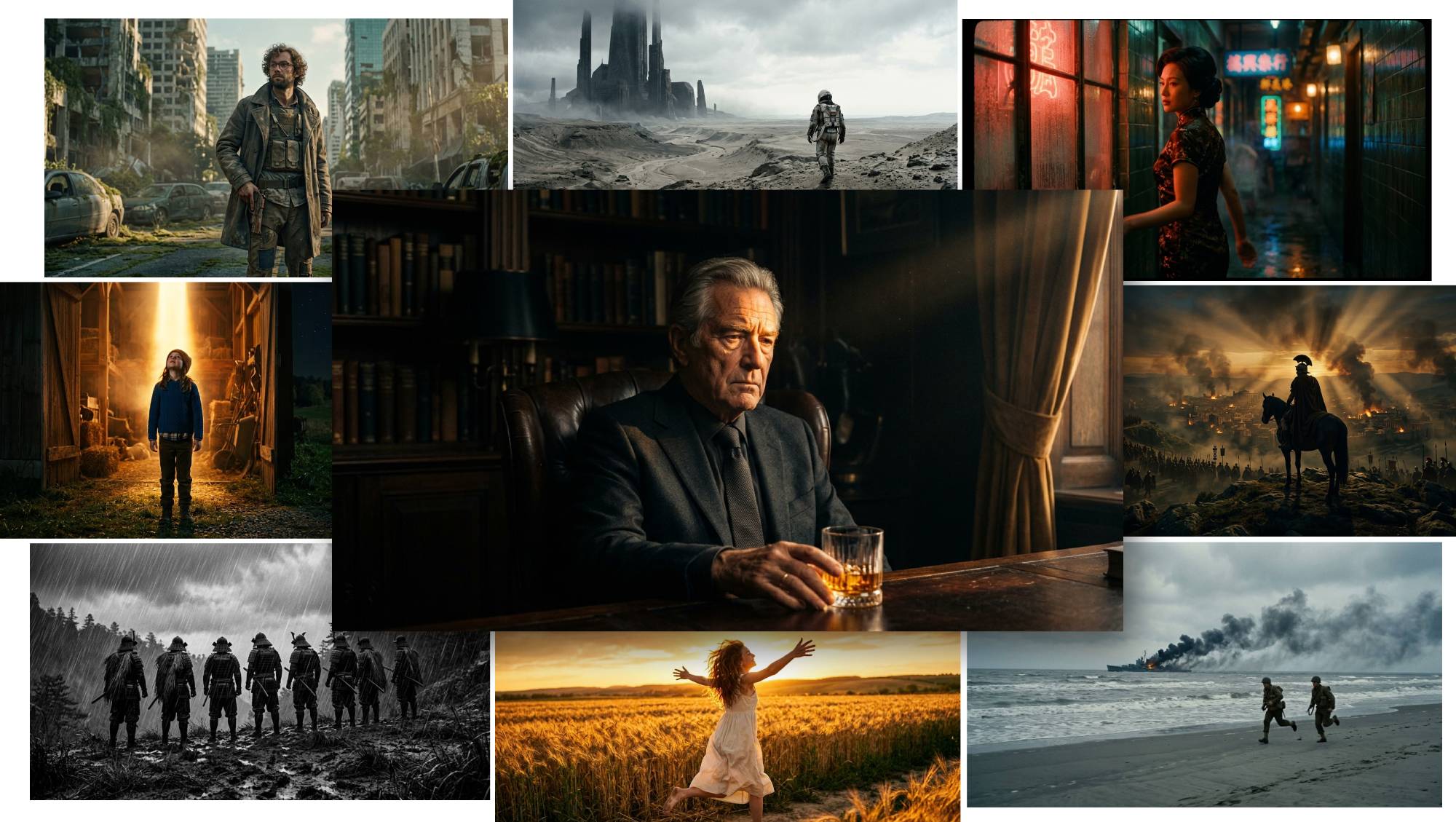
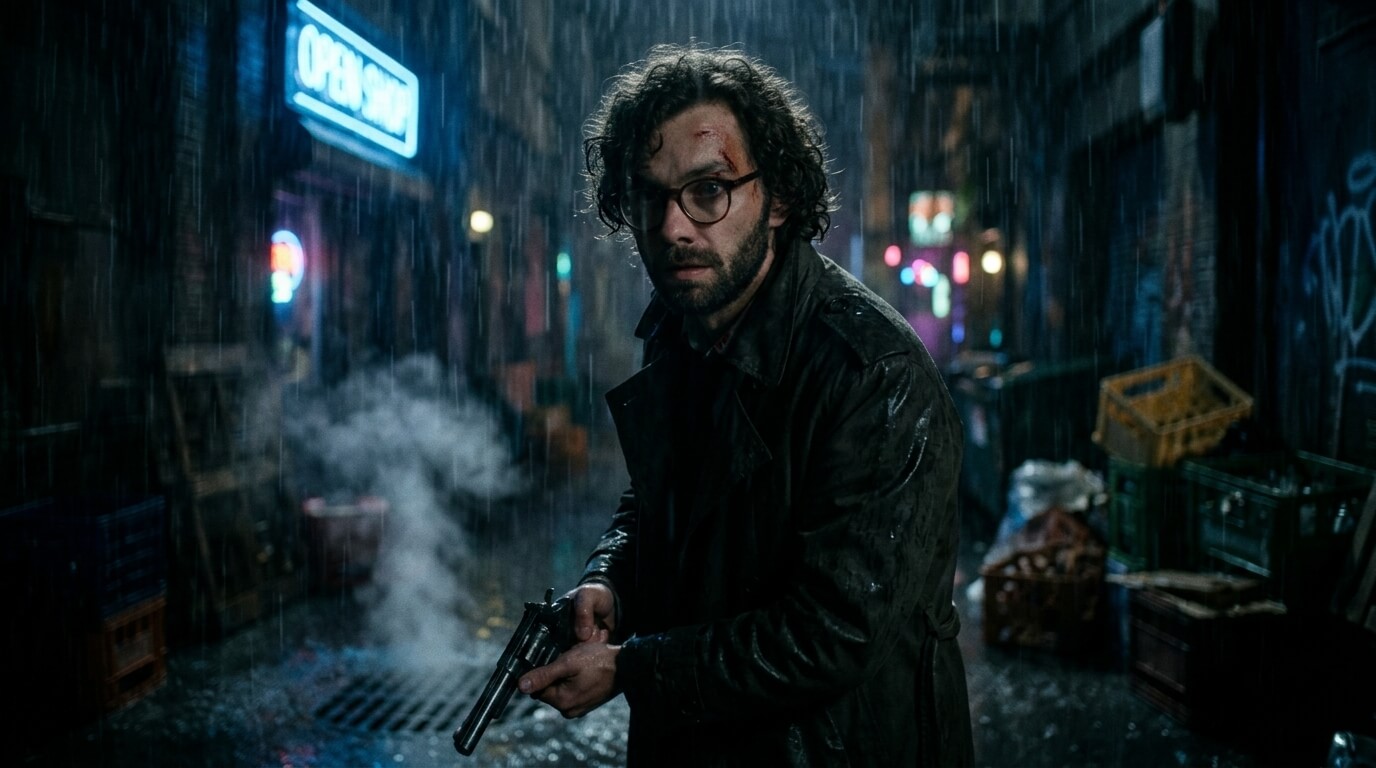
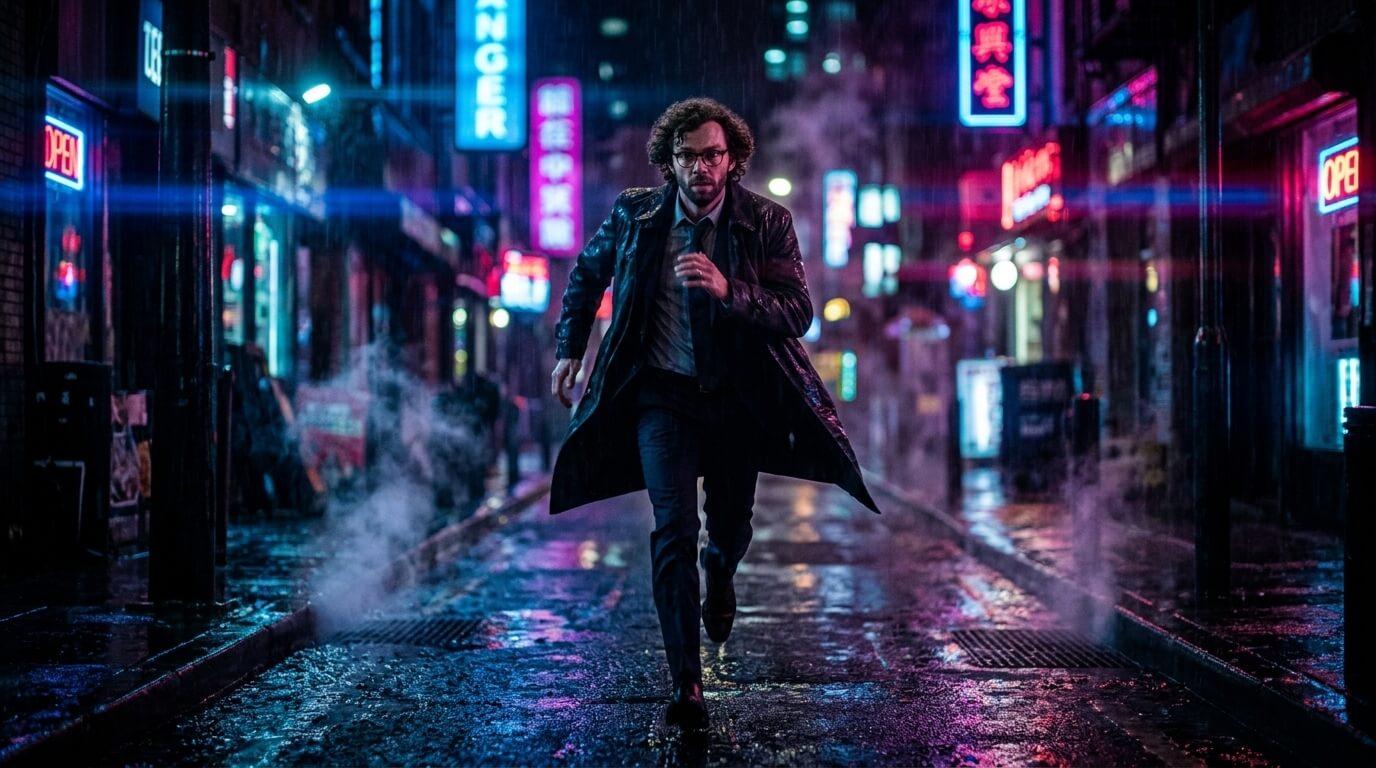
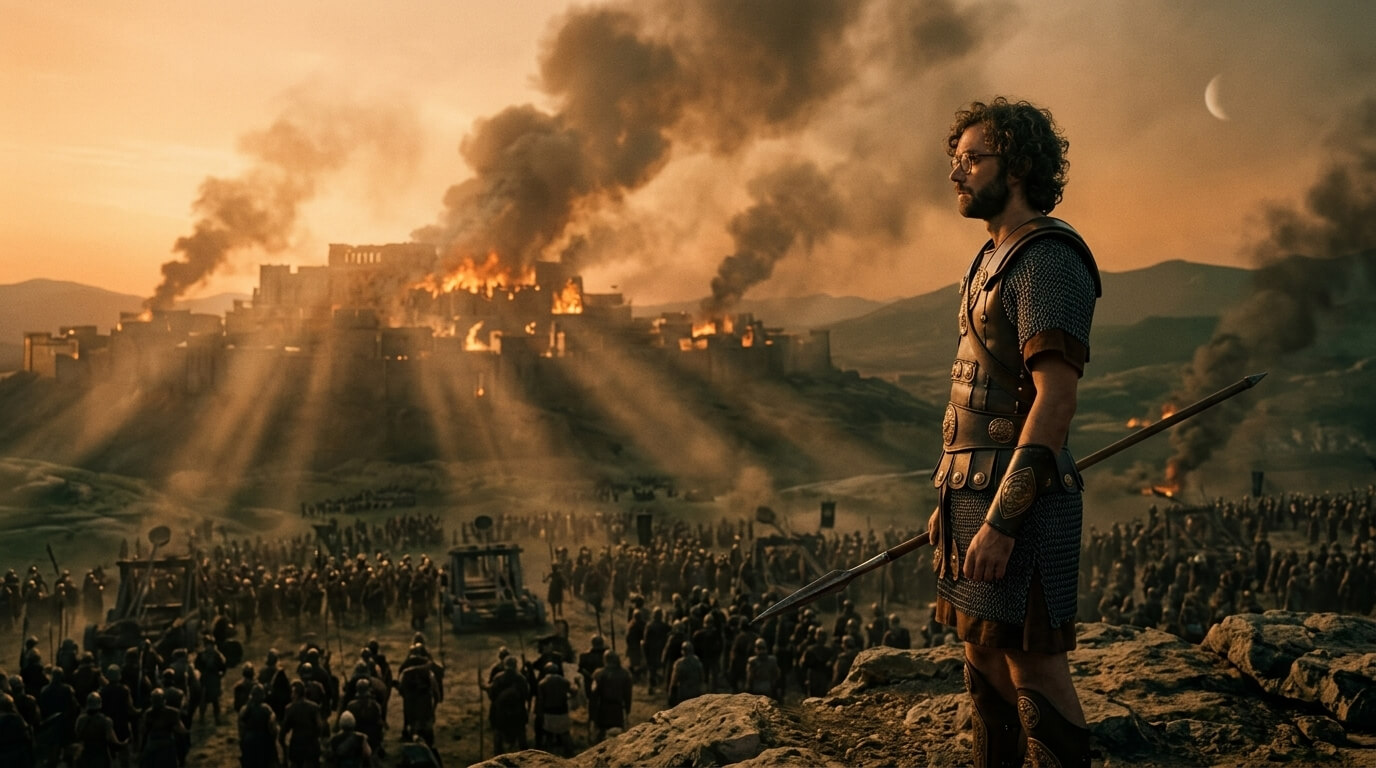
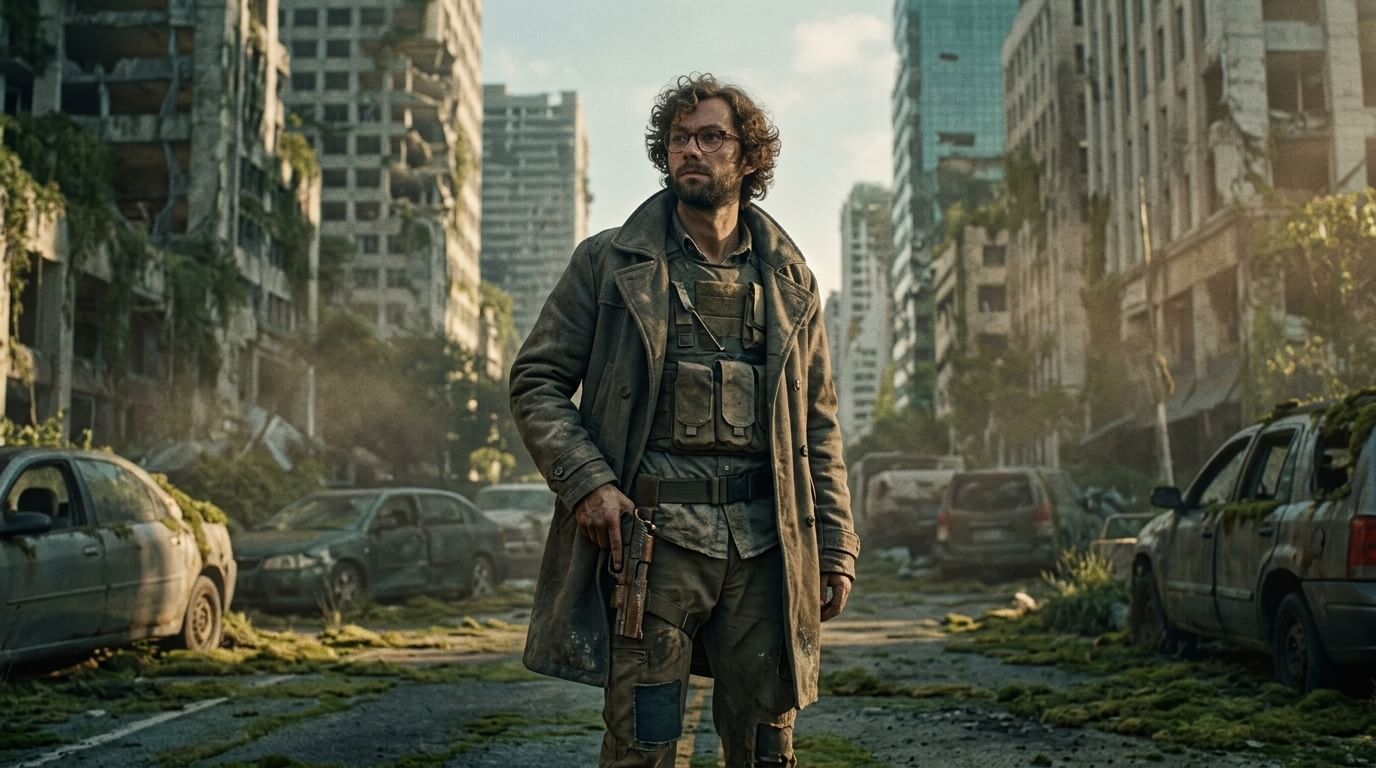
Image to Image Examples
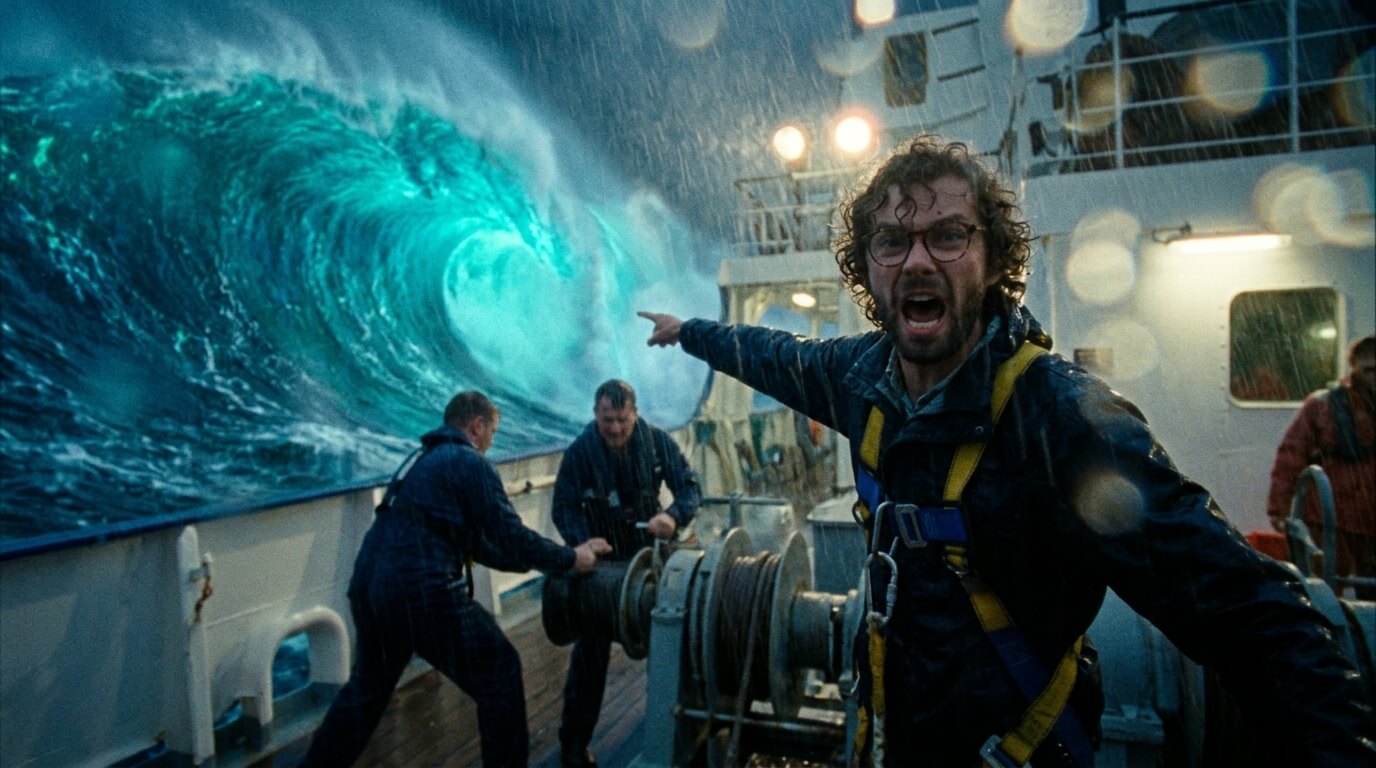
For this first set of images I used a reference photo. I uploaded a plain photo of a man along with a cinematic prompt and here are some of the results...
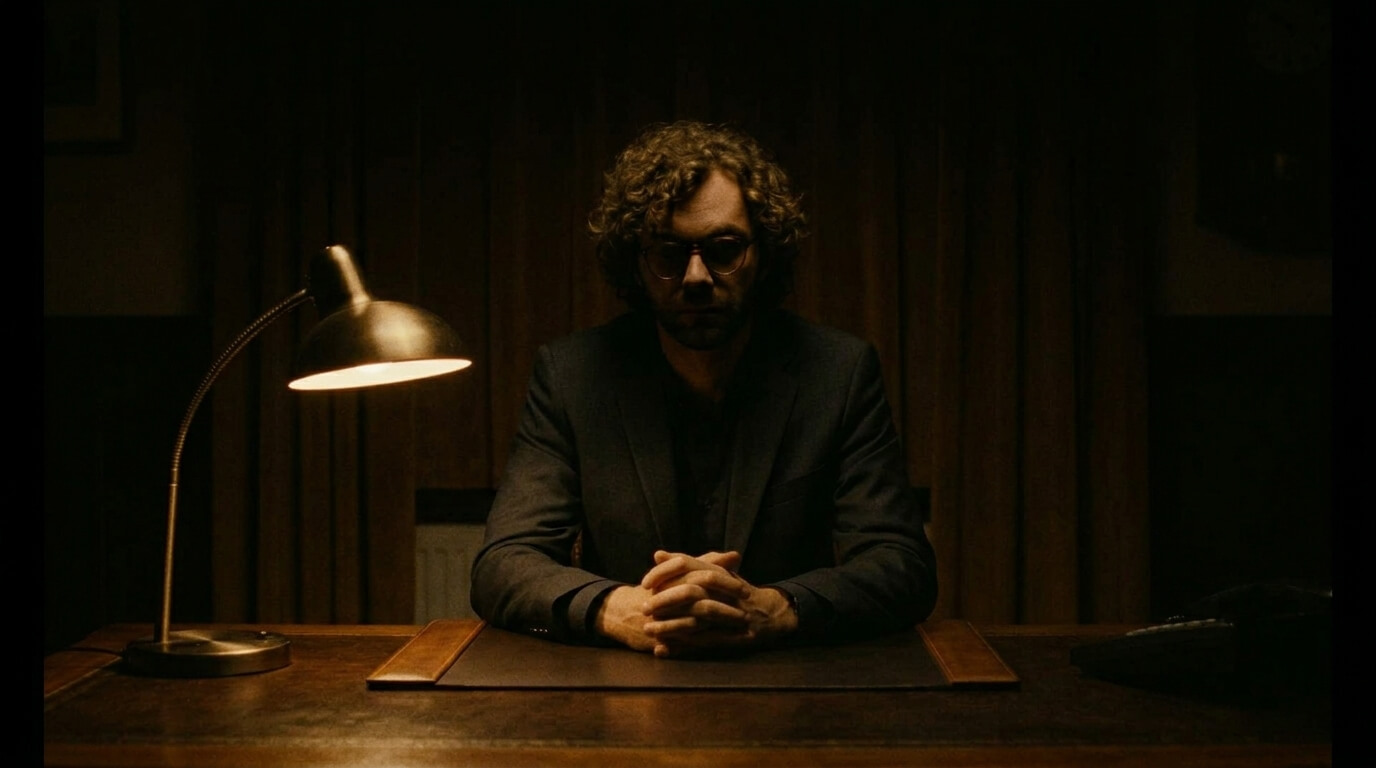
Check out more results...
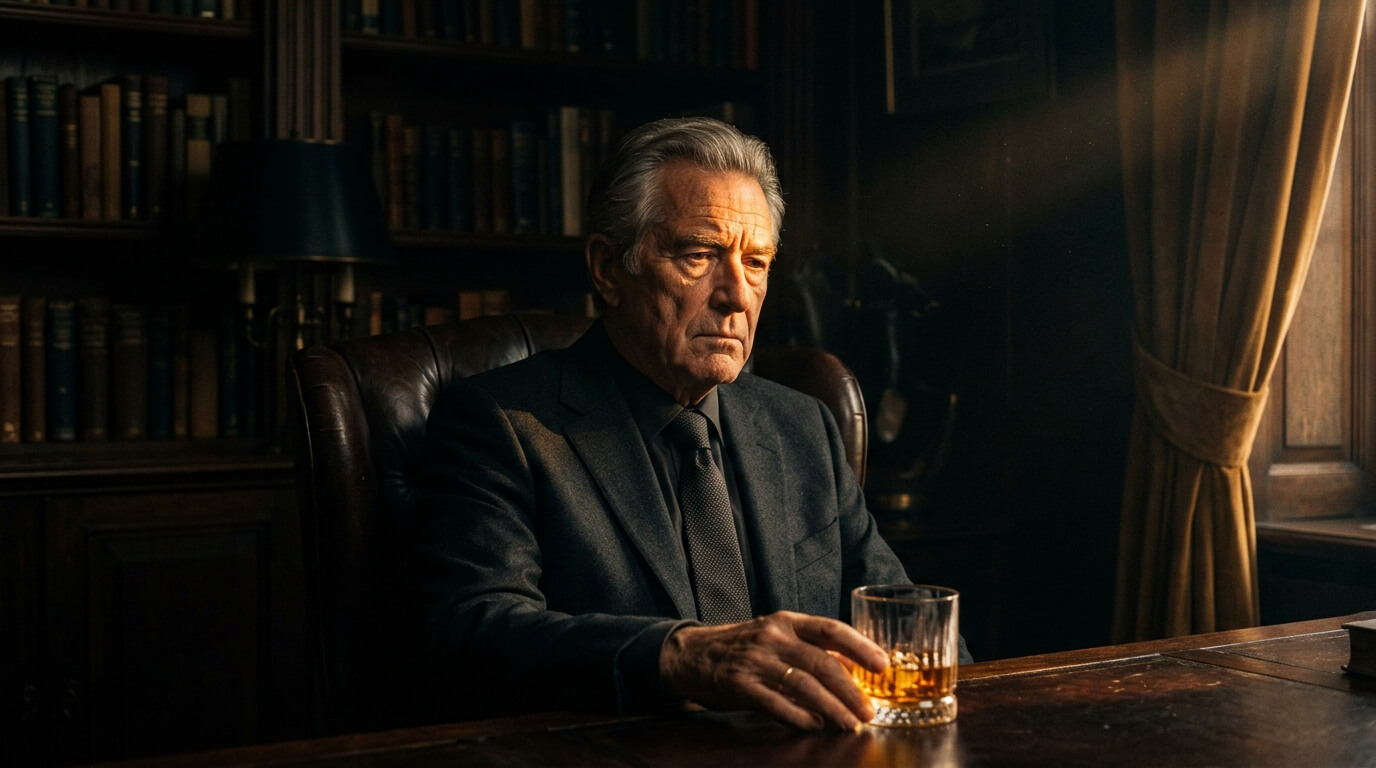
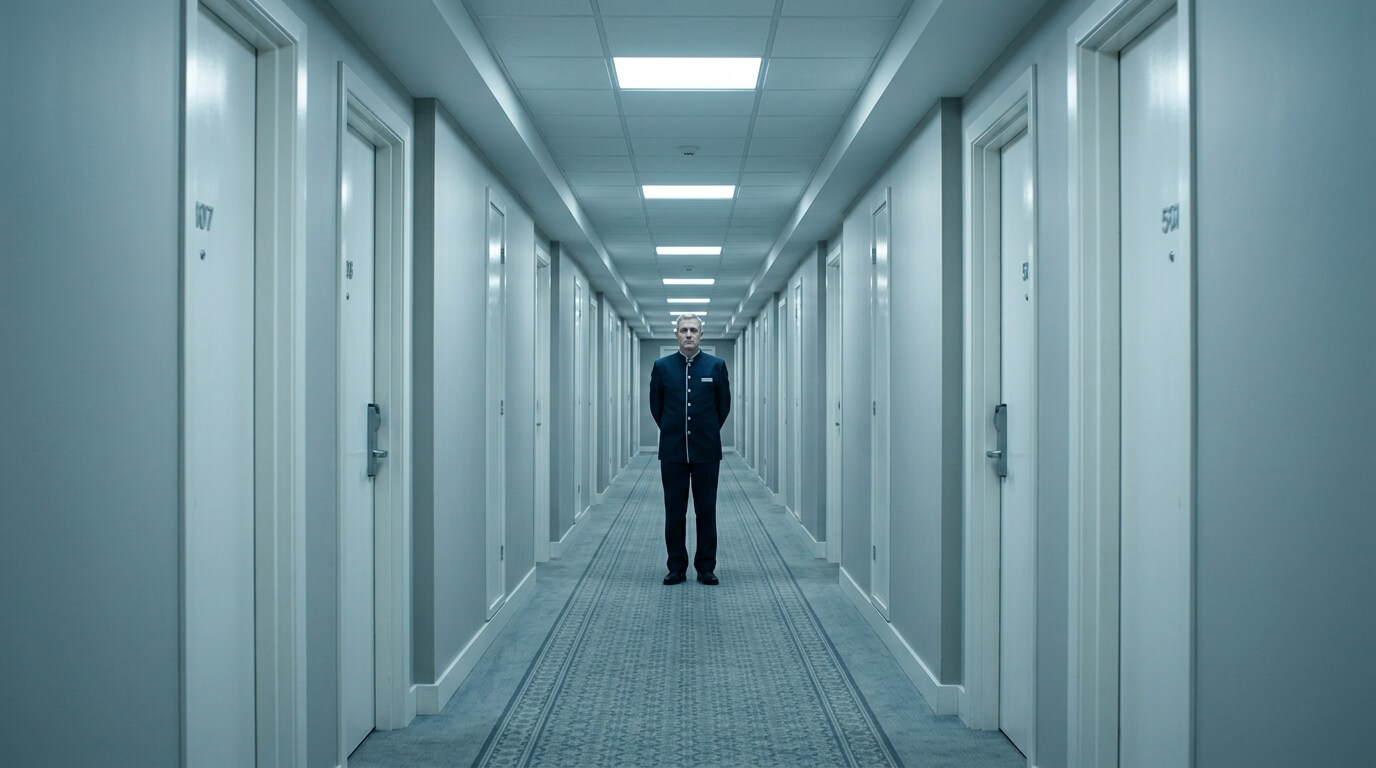
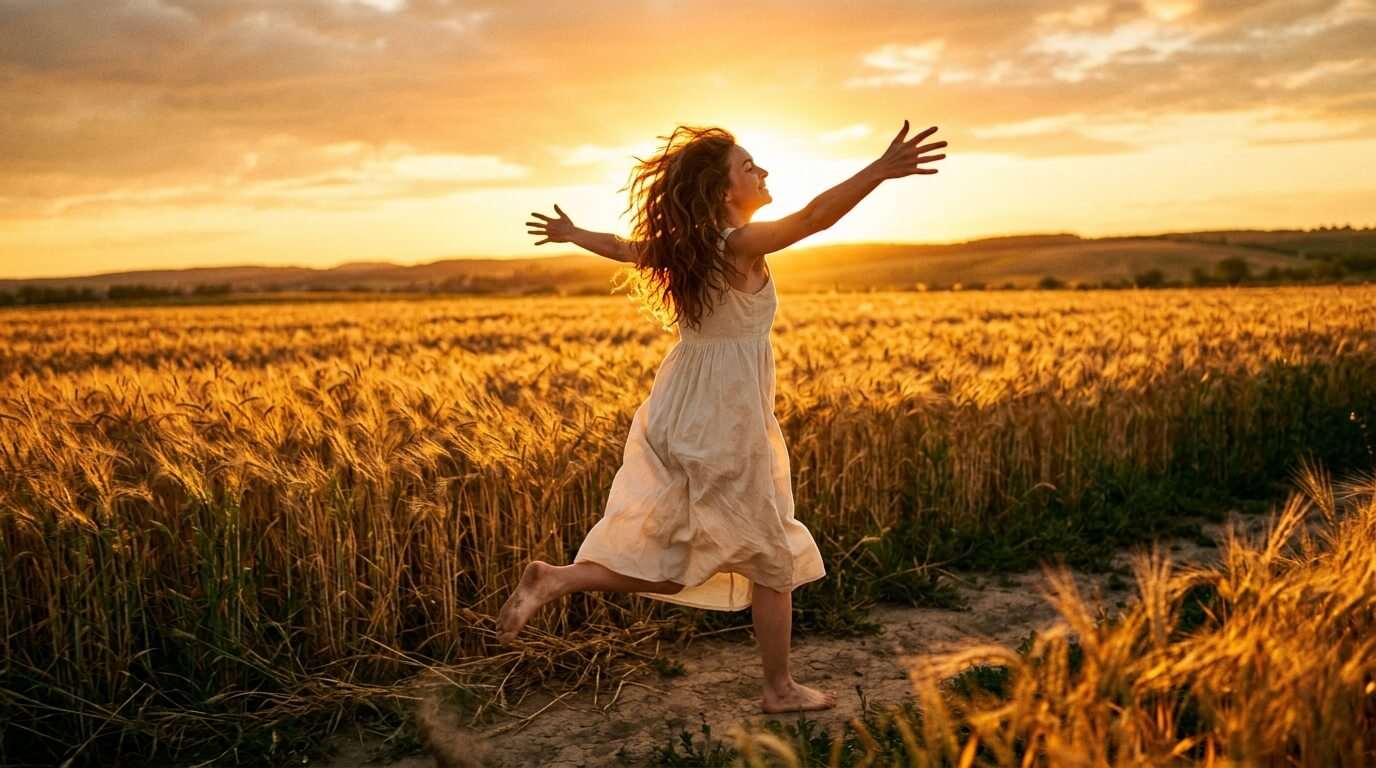
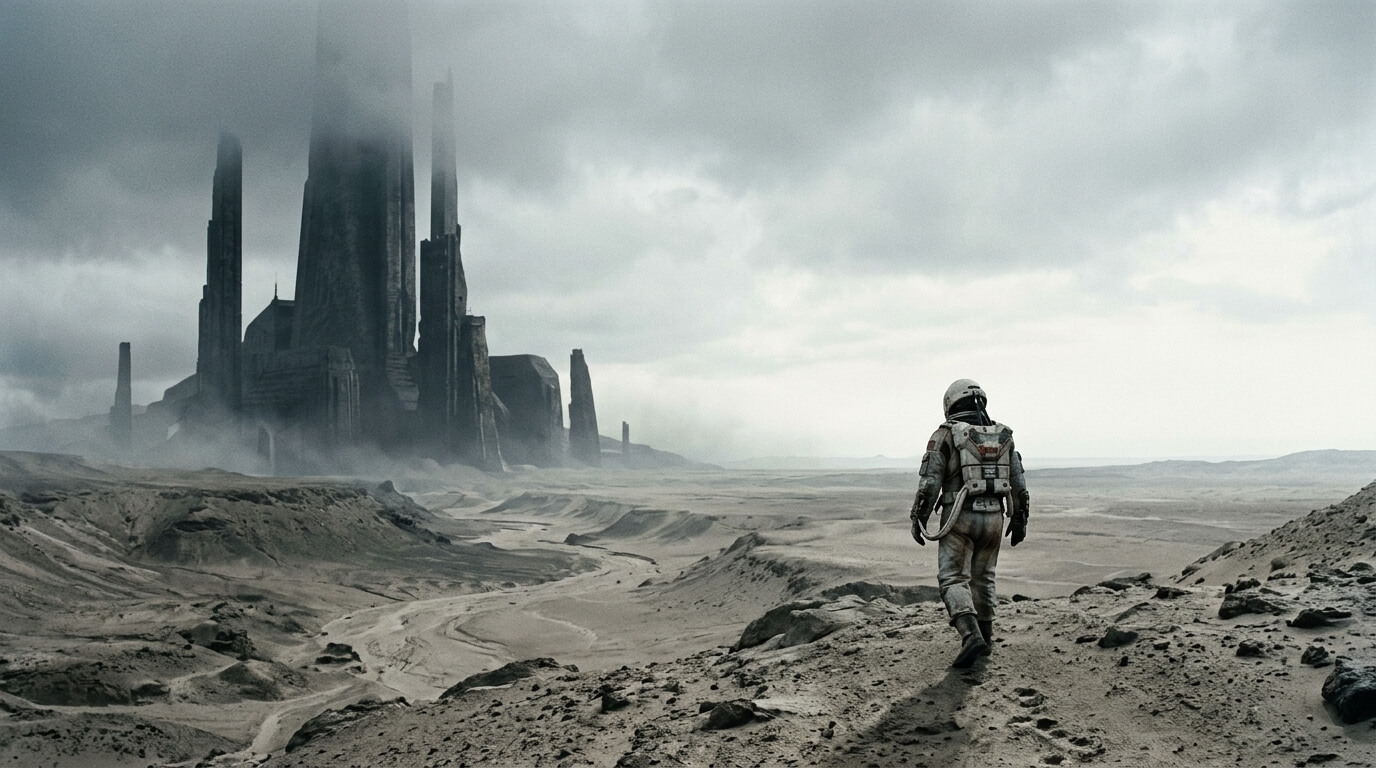
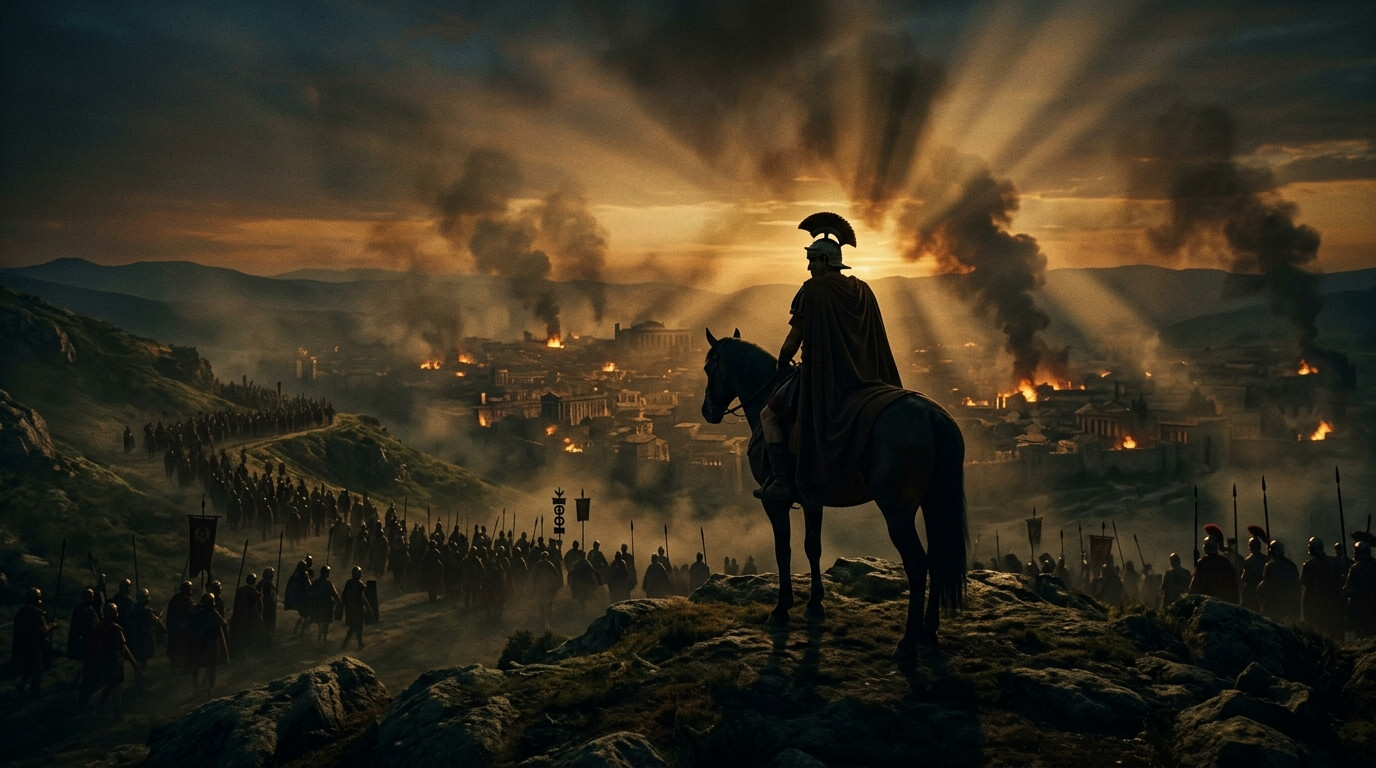
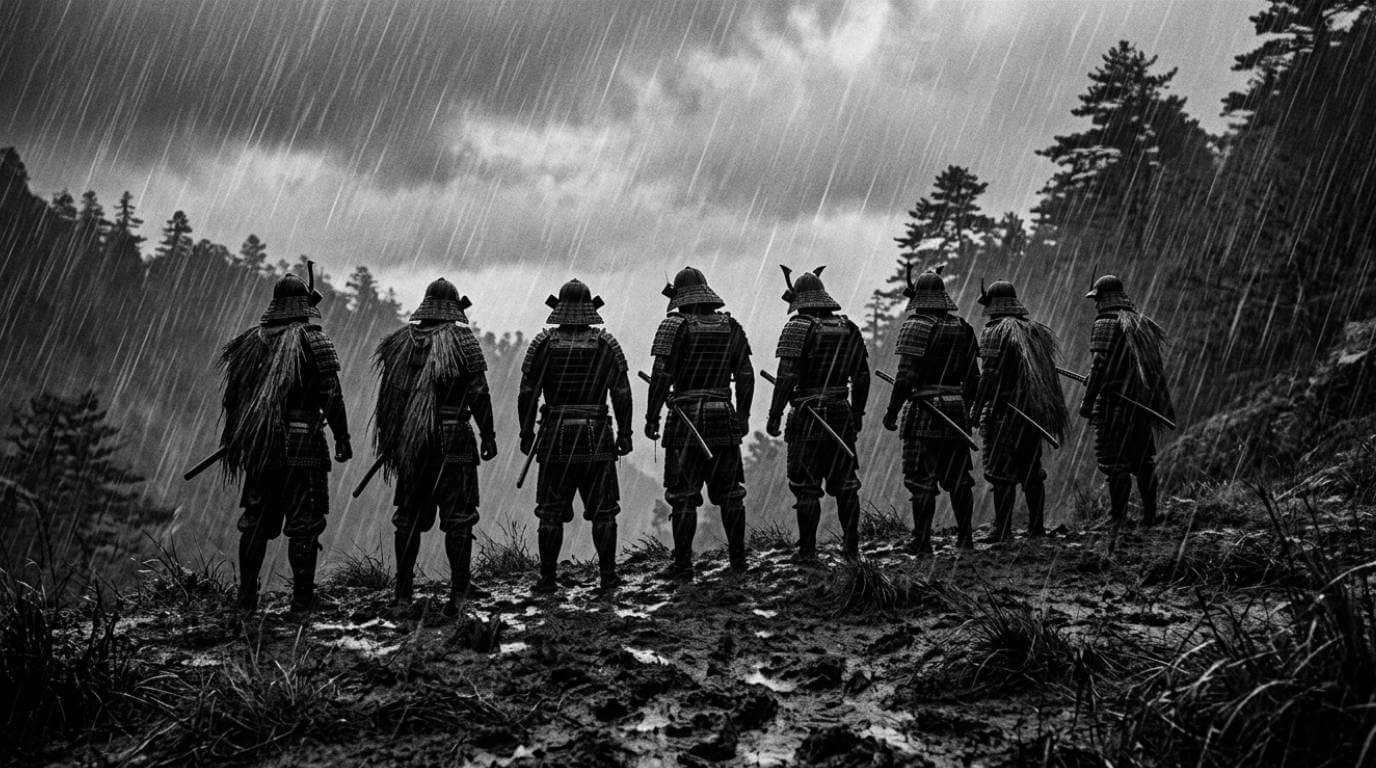
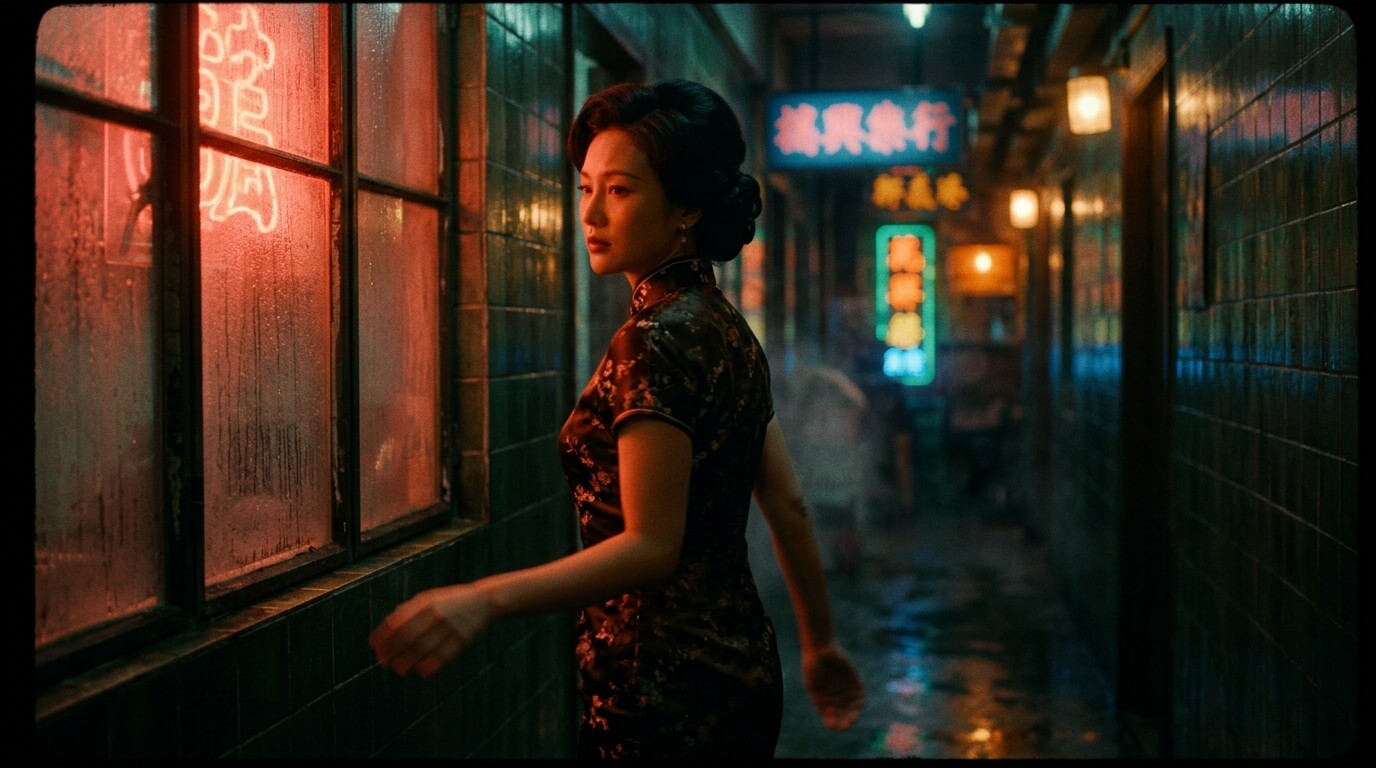
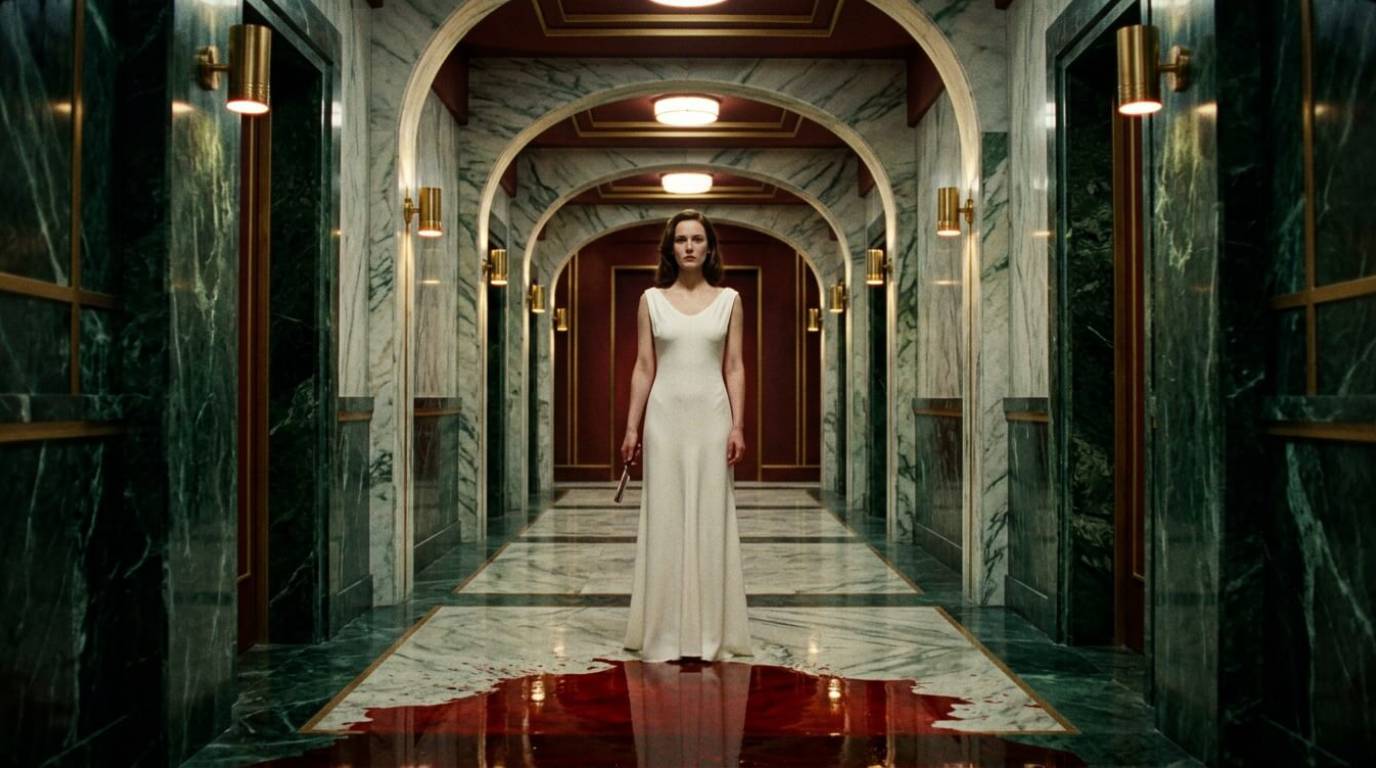
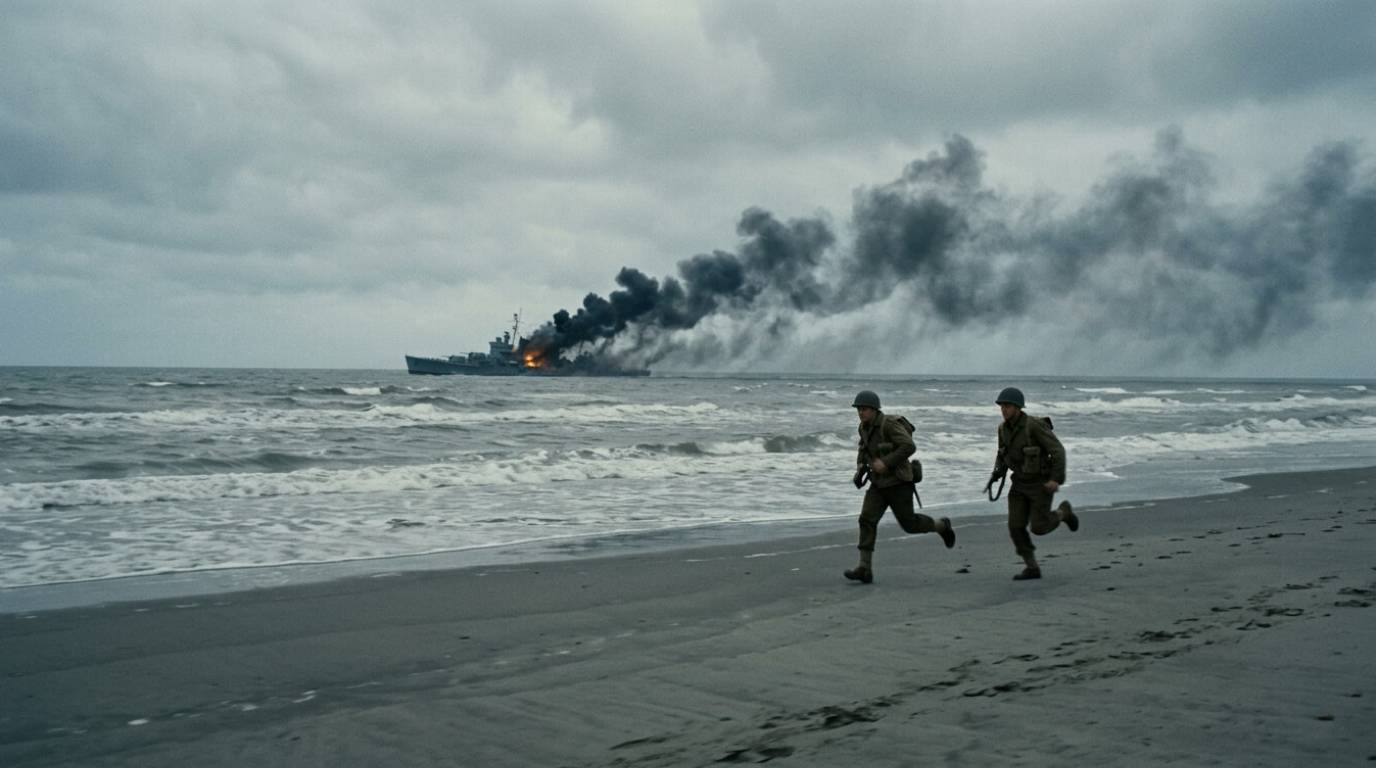
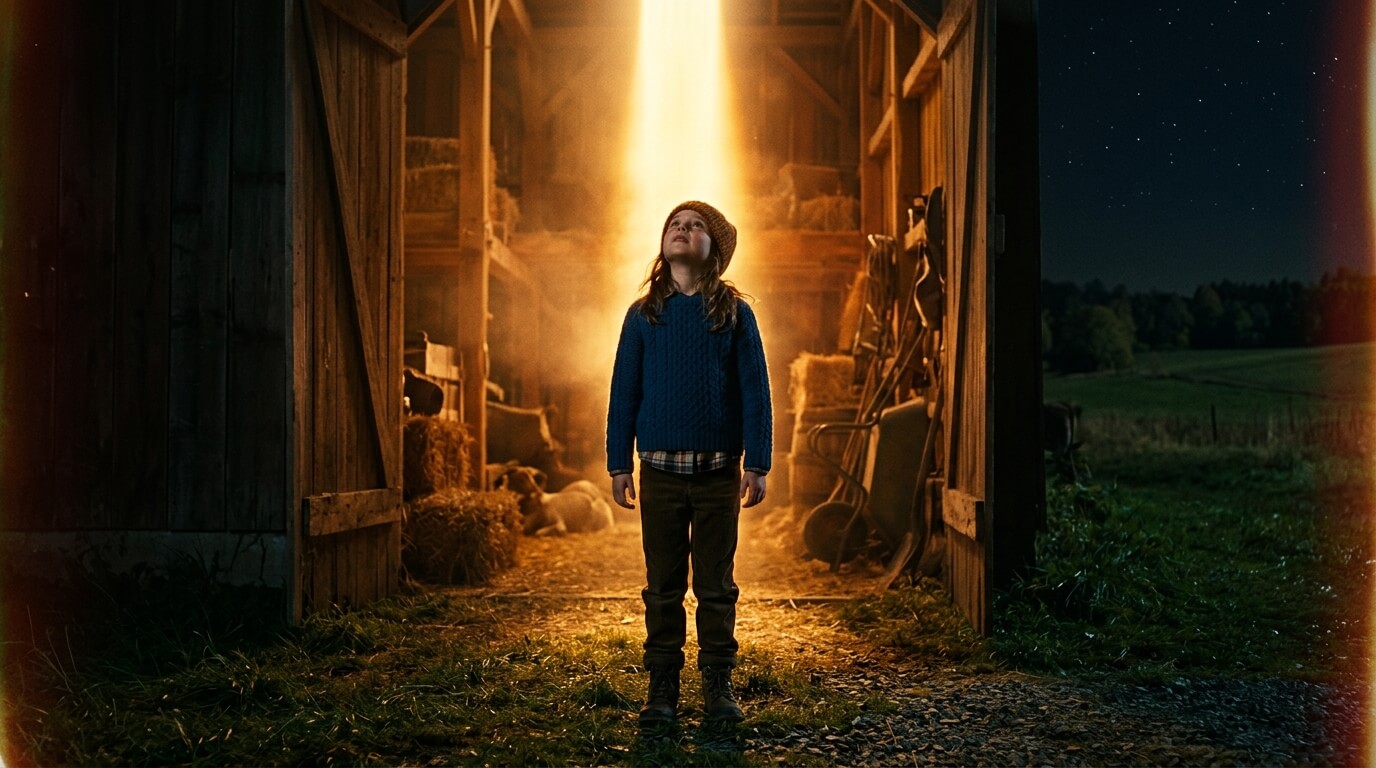
The examples below were created without using a reference image.
You can create images from scratch, using just text without uploading any image.
Text to Image Examples
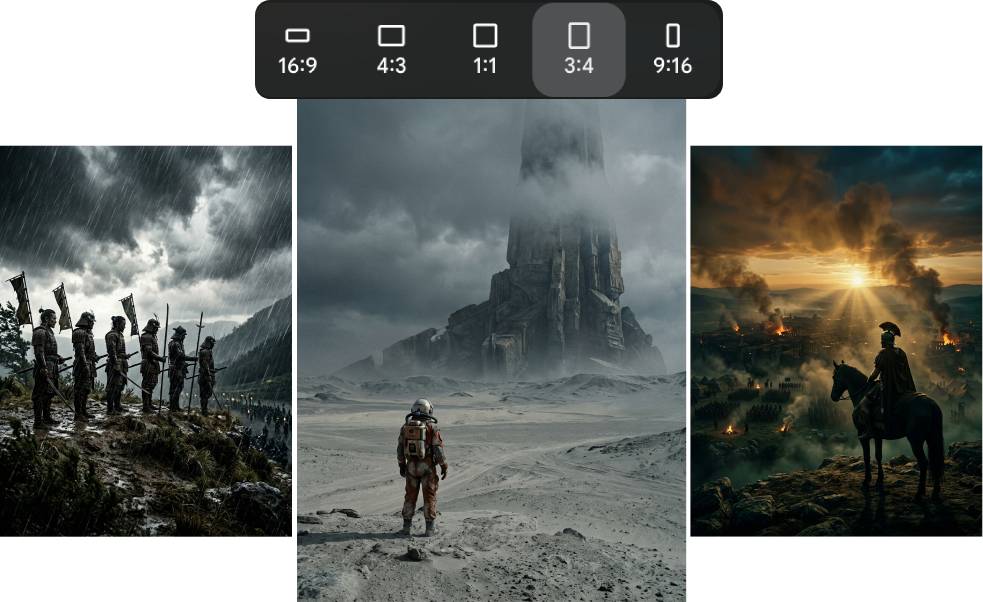
Change Aspect Ratio
You can create horizontal, square and vertical images. So you can create images for book covers, posters, social ads, or anything else.
Use Unlimited Times Without Any API Keys or Credits
You don't need any API keys, tokens or credits to use it. Use it unlimited times. Use it on free models.
Works With ANY Ai Model
With this toolkit you're not locked into any specific AI tool, so you can use any AI models you're already comfortable with.
Lightweight HTML File
The Prompt Generator comes as a stand alone HTML file. You download it to your computer and use it anywhere you like anytime you like.
Turn Plain Text Into JSON
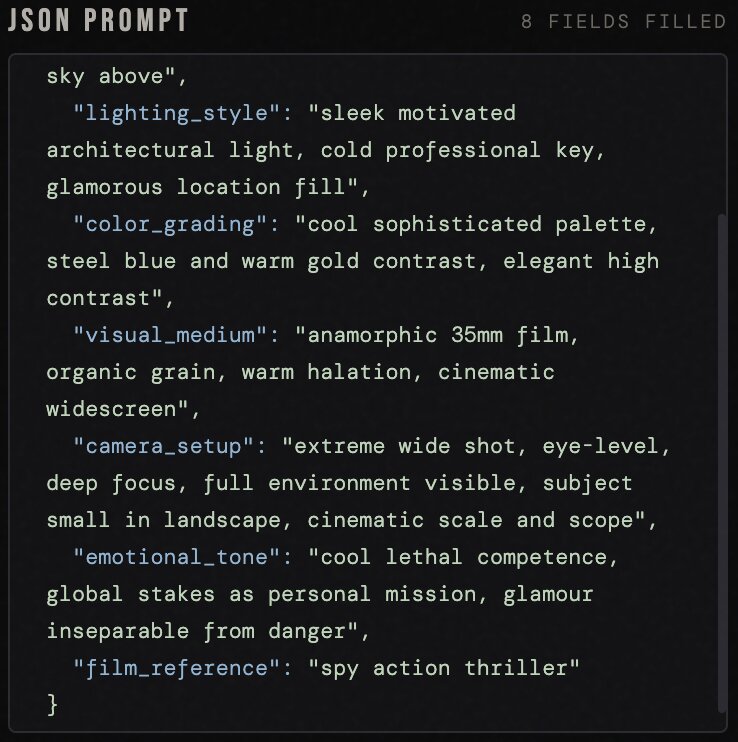
The HTML Prompt Generator turns plain language into a detailed JSON prompt that's perfectly structured for AI to create a cinematic images. You don't have to know anything about JSON formatting... the Prompt Generator handles everything.
Plain Text Prompt Included
The HTML Prompt Generator also creates a plain text version of the prompt, so you can choose to use either JSON or plain text.
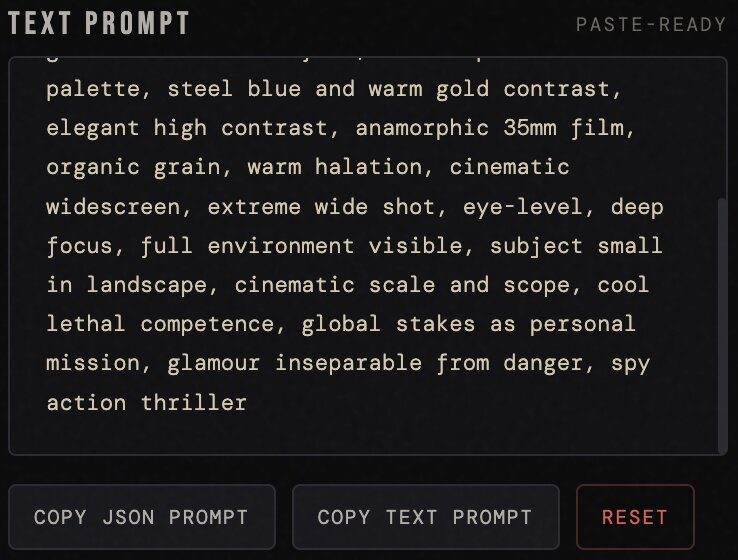
The practical benefits of
JSON-formatted prompts...
Lock in the visual style for multiple scenes
Create different cinematic scenes using the exact same visual style. Change just the specific settings like camera angle, what the subject is doing, location, etc..
Easy to reuse and adapt
Swap out one field: camera angle, pose, setting, time of day... and the rest of the template stays intact. You're not rewriting the whole prompt for every new image. Just update what changed.
Precise iteration
When a result isn't quite right, you know exactly which field to adjust. Change the mood from "dark" to "melancholic" and see the difference... without touching the color, camera settings, or anything else.
Works cleanly across any AI image tool
Nano Banana, ChatGPT Image... all of them parse structured JSON reliably. The format is universally understood, so the prompt performs consistently regardless of which tool you paste it inton.
Scales across multiple projects
Build a library of JSON templates... one per genre, series, or image style. Each one is a reusable asset, not a one-off prompt you have to reconstruct from memory.
Plain text prompt output included
The prompt generator creates prompts in both JSON and plain text, so you can choose what ever format you want.
Here Is Exactly What You Get
Structured JSON Master Prompt
A proven template that feeds AI chat tools the right context, every time
HTML Cinematic Image Prompt Generator
Type in your image description in plain text into the prompt. Hit generate. And it will output your plain text description as a perfectly structured JSON prompt and a plain text prompt.
DFY Cinematic Prompts
You will also get DFY prompts for all of the cinematic presets, including all of the sample images you see on this page. So you can re-create the exact same scenes.
Cinematic Image Guide
Along with the prompt generator and prompts, you will also get a detailed guide on what goes into creating a cinematic images. This guide breaks down cinematic lighting, camera angles, color grading techniques, and more.
Private Label Rights Included
Private Label Rights (PLR) means you're not just buying a tool to use... you're buying the rights to build on it, offer it as a service, and even sell it to others.
Generate cinematic images for your own social graphics, book covers, headers, etc... as many times as you want, for as long as you want.
Use the toolkit to create cinematic images for clients and charge for your time. A single client project at even a modest rate returns your $17 investment many times over.
Cinematic images are in high demand. Resell the toolkit and keep 100% of what you charge. Market it to your own audience. It's yours to monetize.
Grab Cinematic Image AI Toolkit
with PLR
At $17, the toolkit pays for itself the moment you use it once... for your own project, for a client, or as a product you sell. The PLR license turns a useful tool into a genuine business asset.
PLR License
With this license you can use the product in your own commercial projects and projects you create for clients. Plus you can sell this product as your own, under your name, your order buttons, etc..
What you CAN do:
[YES] Sell unlimited times and keep all the money
[YES] Rename product & put your own brand on it
[YES] Edit sales page and graphics
[YES] Break up the product and use assets in templates and apps that you sell
[YES] Edit the content and create new variations or versions (V2, V3, V4, etc)
[YES] Create new products out of the source files
[YES] Packaged into a bigger product
[YES] Offered as a bonus to a paid product
[YES] Added to a paid membership site
[YES] Have your own affiliate program
What you CAN’T do:
[NO] Given away for free
[NO] Added to a free membership site
[NO] Offered through auction sites
[NO] Transfer Resale Rights
[NO] Transfer Master Resale Rights
[NO] Transfer Private Label Rights